




Key facts, verified
Getting a Chinese SIM card as a foreigner
Real-name ruleUnder MIIT rules on real-name registration of phone users (in force since September 1, 2013), a carrier must see a valid ID and real identity details before opening a line. A foreign passport is an accepted ID.
ID you can usePassport; Foreign Permanent Resident ID Card (China)
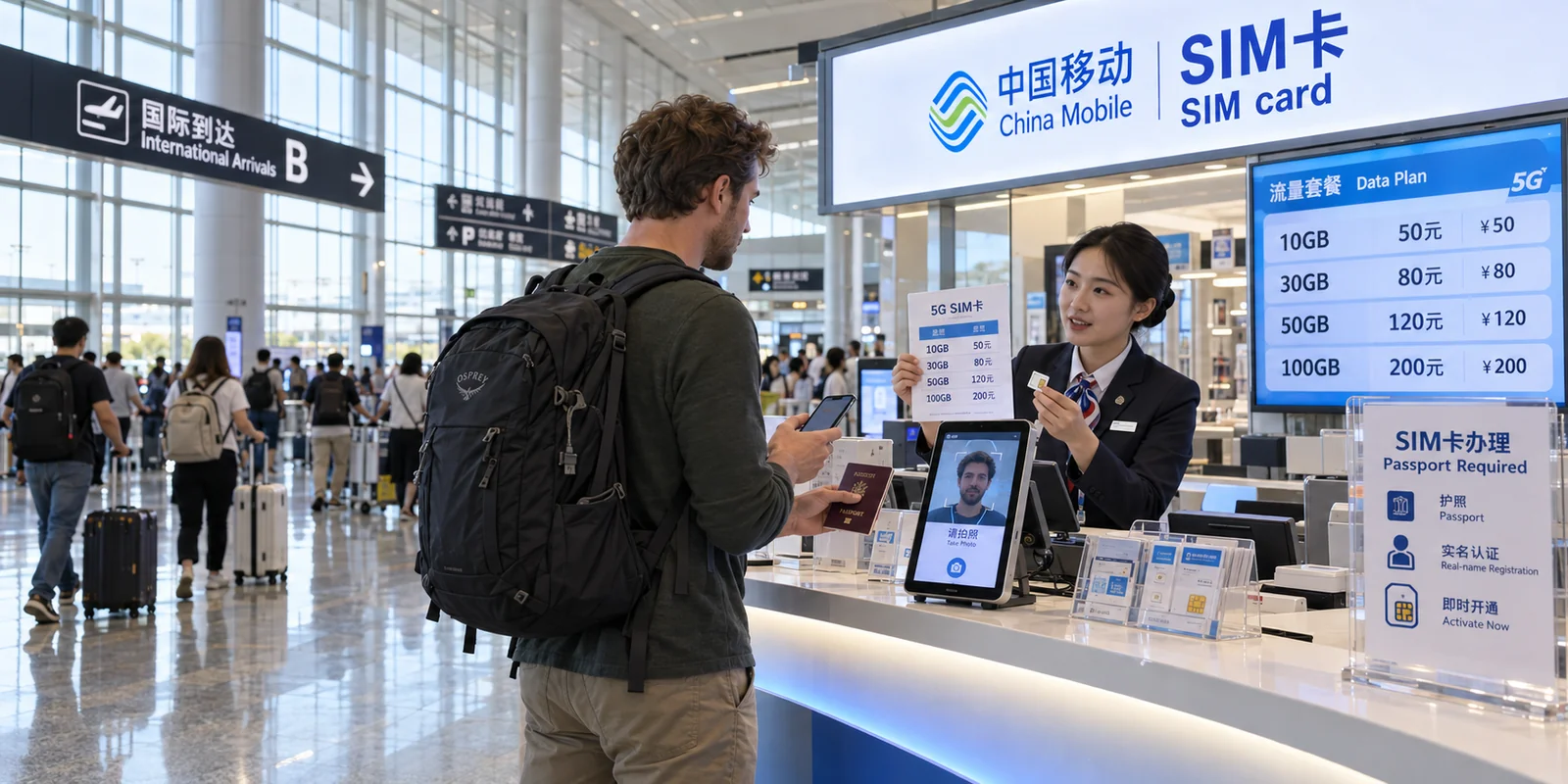
In personGo yourself with your own valid ID. Real-name registration includes a face-recognition check.
Steps at the counterChoose a number and plan → real-name registration with face recognition → sign the service notice and network access agreement
Airport countersBeijing Capital, Shanghai Pudong, Guangzhou Baiyun and other international airports have counters or shops selling SIM cards on arrival, usually with tourist plans of different lengths and data sizes.
Beijing airportsChina Unicom service hall at Beijing Capital; Beijing Service counter and China Unicom hall at Beijing Daxing. Bring your passport (and visa, if you have one). Takes about 5 minutes. China Unicom tourist plans: 7, 10, 15 or 30 days. (Beijing city government, March 2025)
Counter locations and opening hours change; check the airport's website or ask at the information desk after customs.
Free airport Wi-Fi with a foreign passport
| Airport | How to log in with a passport | Notes |
|---|---|---|
| Shanghai Pudong | On the Wi-Fi login page, scan your passport photo page; no Chinese phone number needed | Network name and time limit not published · official guidance as of Apr 2026 |
| Beijing Daxing | Network BDIA-FREE-WIFI: on the login page, take a photo of your passport information page to verify | Also available: self-service kiosk, WeChat quick login, phone-number login · official guidance as of Dec 2025 |
| Beijing Capital | Network AIRPORT-FREE-WIFI-NEW: with a foreign number, insert your passport photo page at a Wi-Fi self-service kiosk; it prints a username and password | 5 hours per login; up to 3 printouts per passport · Chinese numbers can log in with an SMS code · official guidance as of Aug 2024 |
Login methods follow each airport's official guidance on the date shown; on the day, follow the instructions on the Wi-Fi login page.