
If you're planning to lean on Google Translate in China, you need to know one thing first: Alphabet shut down its mainland Chinese service in late 2022, citing low usage. The app and the web version (translate.google.cn) were discontinued, and accessing the site now redirects elsewhere. Some travel aggregator pages claim it works again without a VPN, but that conflicts with the official record — so don't build your trip around it.
The good news: there are several solid translation apps that work in China, including ones that run fully offline so you're not stuck when your data drops in a subway tunnel or a remote village. This guide compares the main options — by language support, offline capability, OCR (camera/photo) translation, and how usable they are if you don't read Chinese — so you can decide what to install before you fly.
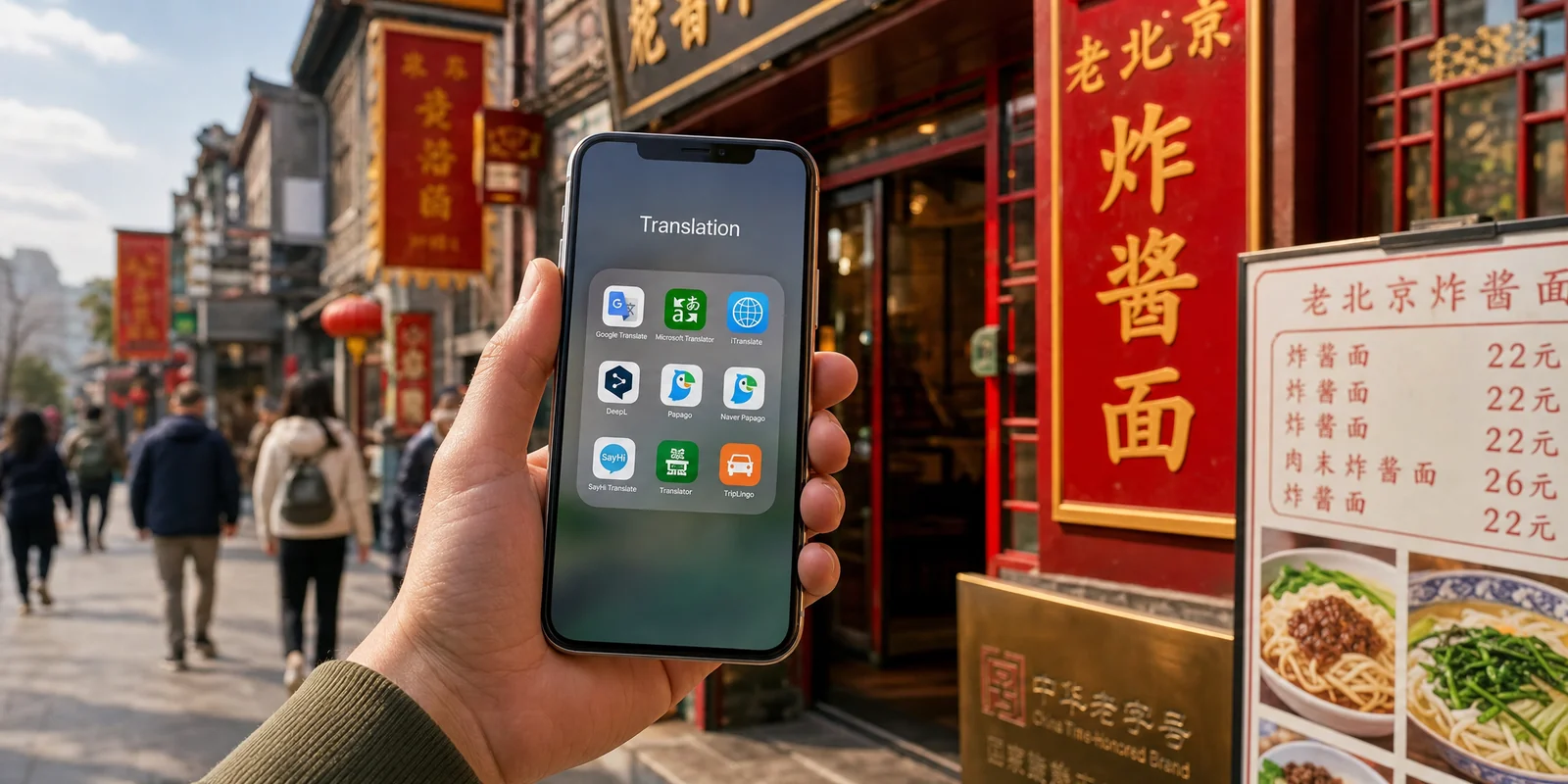
Quick comparison: the main translation apps for China
Here's the short version. Details and caveats follow below.
| App | Offline mode | Camera/OCR | VPN needed in China? | Cost | Best for |
|---|---|---|---|---|---|
| Pleco | Yes (core dictionary) | Yes (paid add-on) | No | Free base; paid add-ons | Learning words, deep lookups |
| Baidu Translate | Yes (language pack) | Yes | No | Free | On-the-ground use, OCR |
| Youdao Translate | Yes (free, select languages) | Yes | No | Free | Voice & conversation |
| Apple Translate | Yes (on-device mode) | Yes (iOS 17+) | No | Free (iPhone only) | Quick offline phrases |
| Microsoft Translator | Yes (Android only) | Yes | Unverified | Free | Phrasebook, conversations |
| Waygo | Yes (fully offline) | Yes (menus/signs) | No | Free (10/day); ~$7 unlock | Menus & printed signs |
| WeChat (built-in) | Partial (text) | No | No | Free | Chatting with locals |
| Google Translate | Yes (language pack) | Yes | Yes (officially discontinued) | Free | Backup only |
| DeepL | Yes (language pack) | Yes | Yes | Free + paid tiers | Natural-sounding text |
Pleco — the gold standard for Chinese dictionary lookups
If you're serious about understanding Chinese (not just getting a rough gist), Pleco is the app long-term residents swear by. The base app is free, ad-free, and includes two built-in dictionaries: CC-CEDICT (110,000+ entries) and Pleco's own PLC dictionary (around 125,000 entries with 25,000+ example sentences).
The dictionaries download to your phone, so lookups work instantly offline — no WiFi, no signal, no problem. You can also draw characters by hand on the screen (great when you see a sign and don't know how to type it), use a live camera OCR mode to point at text, and build flashcards with a spaced-repetition system.
Pleco is a paid-add-on model rather than a subscription. On the App Store, the OCR add-on runs $9.99, enhanced handwriting $9.99, the document reader $9.99, and bundles go up to $59.99 for the Professional Bundle. The free version is genuinely useful on its own — most travelers never need to pay.
Baidu Translate — the practical all-rounder
Baidu Translate is one of the most capable everyday tools in China, and it works without a VPN because it's a domestic Chinese service. It was actually the first Android app in the world to support offline translation back in 2013, with around 300,000 offline entries available.
Beyond offline text, it handles photo/camera OCR, AR overlay translation (it tries to replace text in your camera view in real time), voice input, and whole-document translation for Word, PDF, and PPT files. Reviews note it handles blurry or handwritten text reasonably well. The Shanghai municipal government's official tourism site actually lists Baidu Translate among its recommended apps for visitors, highlighting its photo and voice translation for menus, conversations, and navigation.
One honest caveat: the interface leans heavily Chinese-first, so non-Chinese readers may need a few minutes to orient themselves. Once you find the camera and voice buttons, it's straightforward.
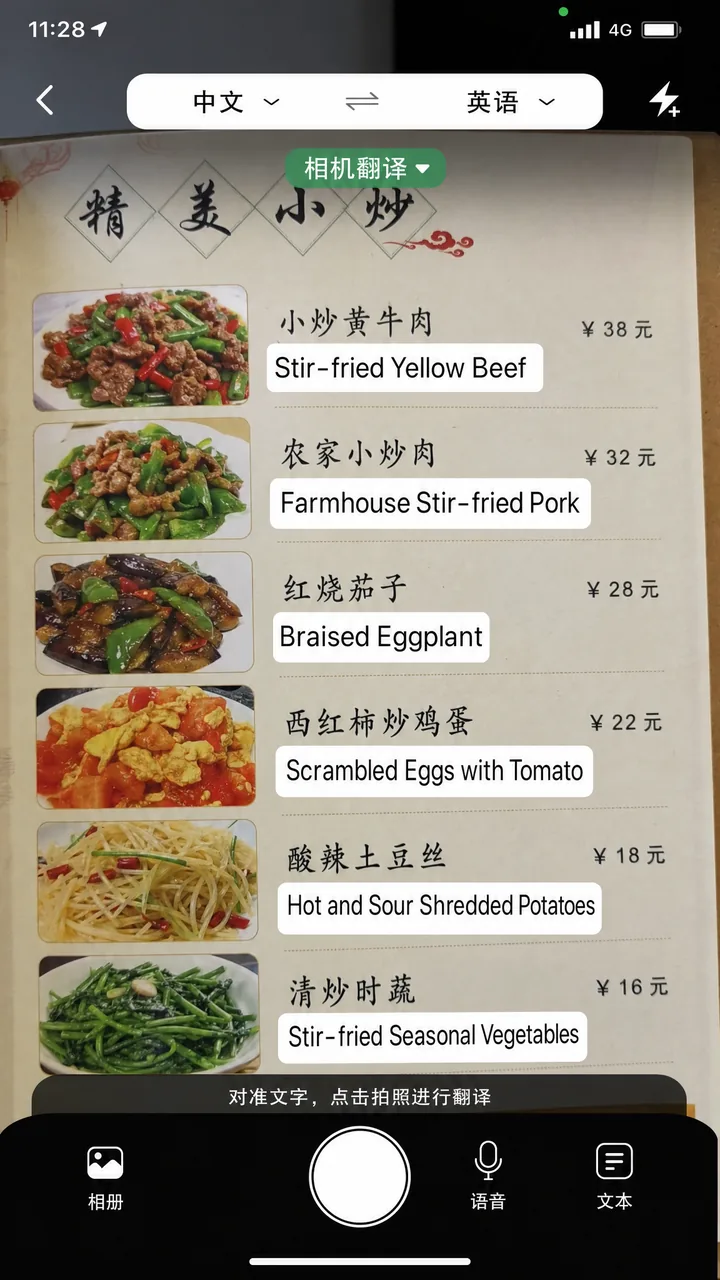
Youdao Translate — strong voice and conversation features
Youdao (有道翻译官, Yǒudào Fānyìguān) supports text translation across 107 languages, photo translation for 77 languages, and conversation mode for 33 languages with 47 accents. Its offline translation is free and covers major languages like English, Japanese, Korean, French, Spanish, Portuguese, and Vietnamese, using Youdao's own YNMT neural engine.
It also offers AR live translation, OCR word capture, and simultaneous interpretation. Like Baidu, it's a domestic app that works without a VPN. The main drawback for foreign users: newer versions reportedly default to a Chinese-only interface, which raises the barrier if you don't read any Chinese. Test it before you depend on it.
Apple Translate — built in, offline, iPhone only
If you have an iPhone, you already have a capable offline translator. Apple Translate (requires iOS 14 or later) supports around 18 languages, including Mandarin for both mainland China and Taiwan. You can download languages for offline use and turn on On-Device Mode to run everything entirely offline — no signal needed.
It handles text, voice, and conversation translation, and on iOS 17 and later it adds camera translation for signs and menus. According to Apple's official support guide, you simply download the language pair and enable the on-device toggle. It's not the most powerful option, but it's free, private, and already on your phone.
Microsoft Translator — good phrasebook, Android offline
Microsoft Translator supports Simplified and Traditional Chinese plus Traditional Cantonese, and includes a useful phrasebook of 200+ phrases that's always available offline. You can download offline language packs for text translation and use offline camera translation for signs and menus — but note that the Offline feature is Android-only, per Microsoft's official feature page.
Microsoft's Translator Text API has been available in China through Azure.cn since 2019, but that's for developers — whether the consumer app itself works reliably in mainland China without a VPN isn't clearly documented. Treat it as a backup rather than your primary tool, and test it before you travel.
Waygo — offline menu and sign reader
Waygo does one thing and does it well: fully offline camera translation of printed Chinese (Simplified and Traditional), plus Cantonese, Japanese, and Korean into English. Point your camera at a menu or street sign and it overlays the translation — no internet required. For Chinese, it can even show photos of dishes.
The free version allows 10 translations per day; unlimited translation is a one-time in-app unlock of around $7. Per the official Waygo site, it's designed for clear printed text — menus, signs, labels — and won't handle handwriting, fancy calligraphy, books, or computer screens. Within those limits, it's one of the fastest menu-reading tools you can carry.
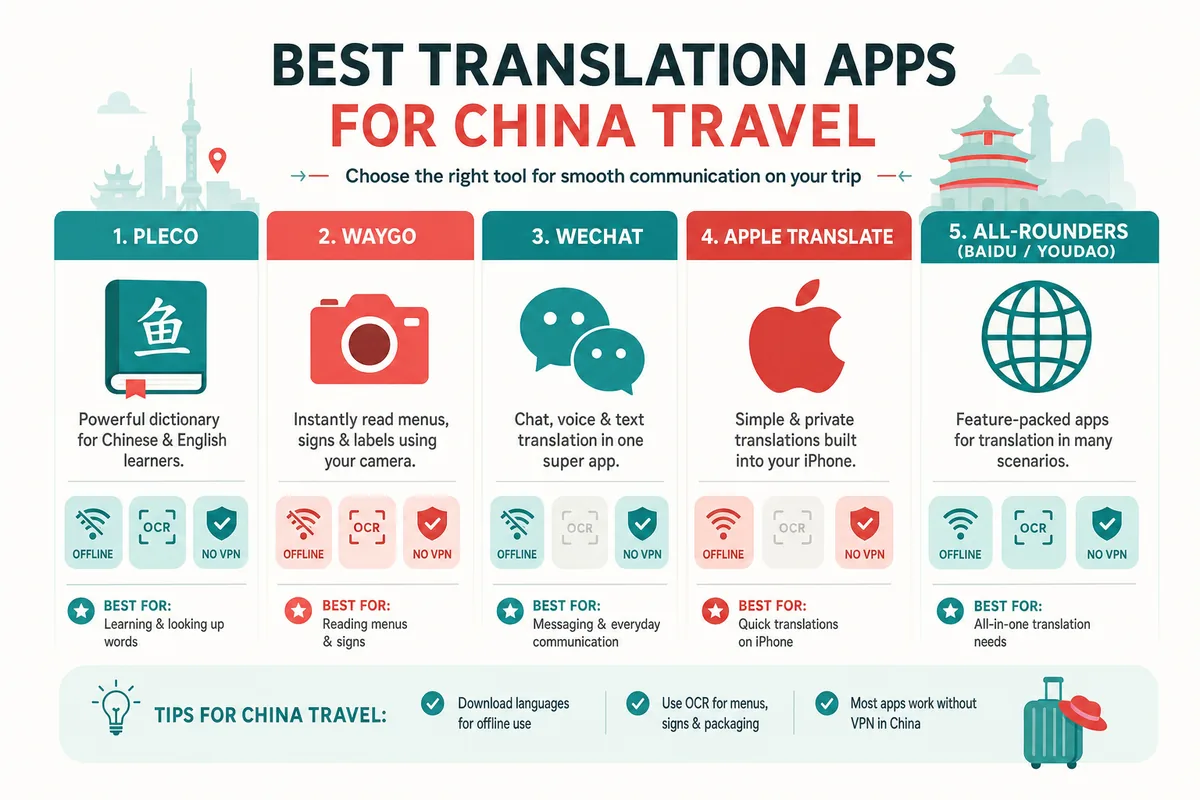
WeChat's built-in translation — for chatting with locals
You'll almost certainly install WeChat (微信, Wēixìn) in China anyway, and it has translation built in — handy when you're messaging a hotel, a driver, or a new acquaintance. To translate a message manually, long-press it and tap Translate; long-press again to Stop Translating. This works on WeChat 8.0.56 and later.
You can also auto-translate incoming foreign-language messages. According to the official WeChat newsroom, you can set this up under Settings → General → Translation, then toggle it on and choose your target language. It's not a general-purpose translator, but for in-app conversations it removes a lot of friction. For full setup, see our WeChat Setup Guide.
What about Google Translate and DeepL?
Google Translate added 110 new languages in 2024 (its biggest expansion ever, including Cantonese), and elsewhere in the world it's excellent. In mainland China, though, the consumer service was officially discontinued in 2022, and Chrome's built-in translation and Google-dependent third-party apps are affected too. In practice you'll generally need a VPN to use Google services in China. If Google Translate is your comfort tool, download offline language packs before you arrive and treat it as a backup — don't count on it working live.
DeepL is praised for natural-sounding translations and can keep formatting when you upload Word or PDF files. It's free to download with core features, while a glossary and formal/informal tone control require a paid plan. The catch is the same: DeepL generally needs a VPN in China, so it's not a reliable on-the-ground option.
Bonus: Tencent Translator (Fanyijun)
Tencent Translator (腾讯翻译君, Téngxùn Fānyìjūn) is a free, ad-free app supporting popular languages including English, Japanese, Korean, Spanish, French, German, Thai, Vietnamese, and more. It offers voice translation, simultaneous interpretation, photo translation, text translation, and AR live translation. Tencent's machine translation won the Chinese-English category at the 2018 WMT international competition and handles over 600 million translations a day. Whether it supports offline mode isn't clearly documented, so verify in the app if offline use matters to you.
How to choose: a quick decision checklist
- You want to actually learn or deeply understand Chinese words: Pleco (free base is enough for most).
- You want one practical all-rounder with offline + OCR, no VPN: Baidu Translate or Youdao.
- You have an iPhone and want zero setup: Apple Translate with On-Device Mode.
- You mostly need to read menus and signs offline: Waygo.
- You're chatting with locals in-app: WeChat's built-in translation.
- You're attached to Google or DeepL: only with a working VPN, plus offline packs as backup.
Final takeaways
Google Translate is no longer the safe default it is elsewhere — in mainland China it was officially discontinued and generally needs a VPN. Build your kit around apps that work locally and offline: Baidu Translate or Youdao as your all-rounder, Pleco for serious word lookups, Apple Translate if you're on iPhone, and Waygo for fast menu reading. WeChat's built-in translation covers your conversations. Download every offline language pack before you fly, since some downloads may be blocked once you're in China. Prices and features change, so check the latest details in each app store before you travel.
For getting around once language is sorted, see our Map Apps Guide and the broader Must-Have Apps Before You Go. If you don't read any Chinese at all, our guide to ordering food with zero Chinese pairs well with a good OCR app.
Last updated: June 2026
Read in other languages
Last train times for 10 Chinese metro systems
Every line and station, checked by hand — the same data behind our offline route planner.
Get the WaysChina App
Offline guides, currency converter, essential phrases, and more — all in your pocket.

Related Articles
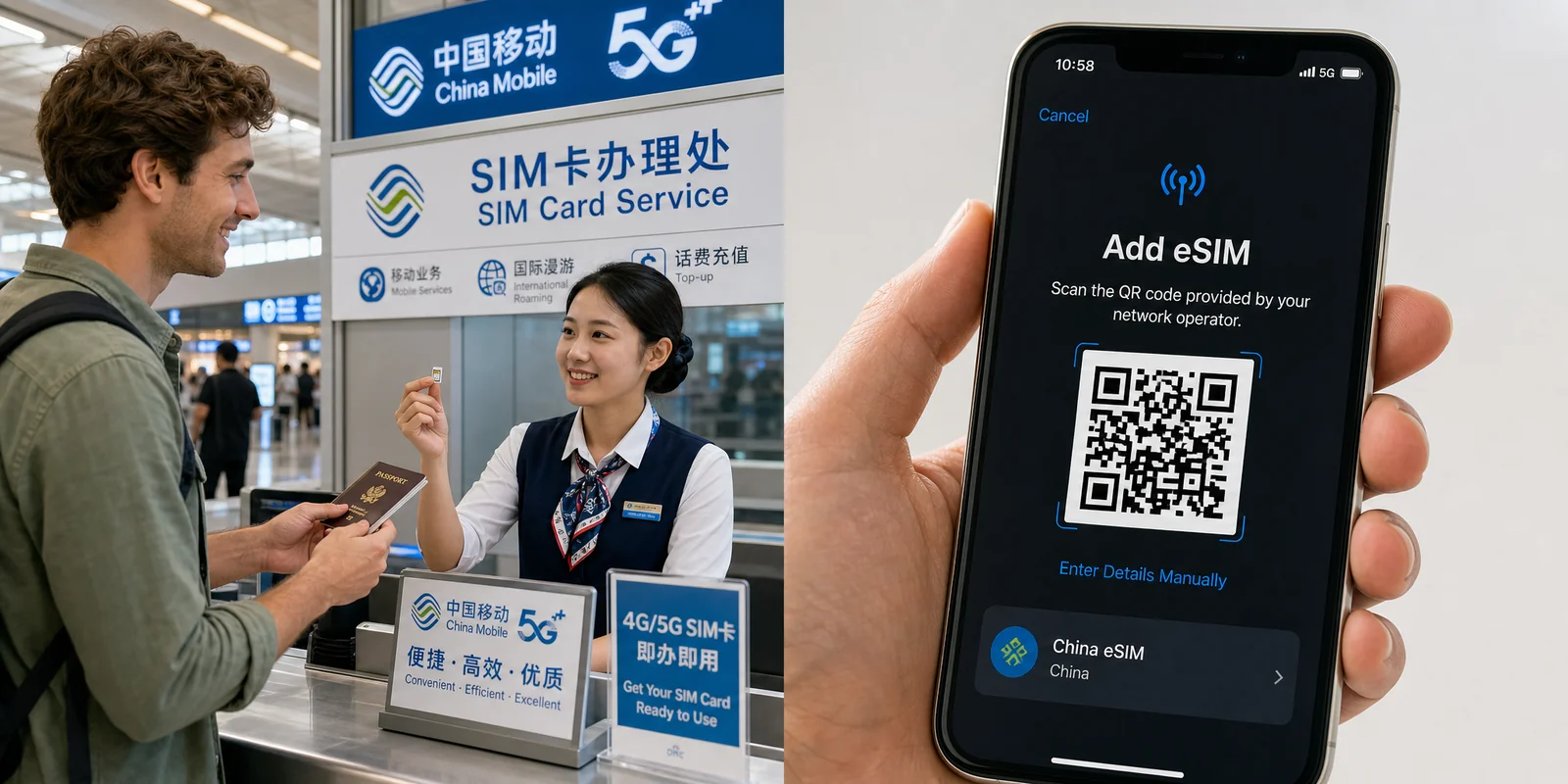
China SIM Card & eSIM Guide
How to stay connected in China as a tourist: physical SIM vs travel eSIM, where to buy at the airport or online,...

DiDi Guide: How to Use China's Ride-Hailing App as a Foreigner
DiDi is China's main ride-hailing app, and it works in English with foreign cards. Here's how to download the right...

Internet & VPN Guide for China
Google, Instagram, WhatsApp and many sites you use daily don't work in mainland China. Here's how to stay connected...

Map Apps Guide: Which Navigation App Actually Works in China
Google Maps doesn't work properly in China, but you have good options. A practical comparison of Amap, Baidu Maps,...