
This article contains affiliate links. If you make a purchase through these links, we may earn a small commission at no extra cost to you. This helps support our work in creating free travel guides.
DiDi (滴滴, Dīdī) is China's dominant ride-hailing app — the local equivalent of Uber or Grab, and the easiest way to get a car in almost any Chinese city. The good news for visitors: the app has a full English interface, lets you register with a foreign phone number, and accepts international bank cards. The slightly fiddly part is downloading the correct version and getting your payment method to stick. This guide walks through both, plus how to book, what the ride tiers mean, and how to handle the language gap with drivers who almost never speak English.

Why DiDi beats street taxis for most visitors
You can still flag a metered taxi (出租车, chūzūchē) on the street, and in some cities that's quick and cheap. But DiDi solves the two problems that trip up foreign travelers most: you don't have to explain your destination in Chinese, and you don't have to argue about the fare. You set the destination on a map, the app shows the price before you confirm, and payment happens through the app. No cash fumbling, no "my meter is broken" routine.
DiDi also covers far more ground than any single taxi fleet — it operates across hundreds of Chinese cities, from major metros down to smaller county towns, so the same app works whether you're in Shanghai or a regional base for a day trip. For a broader look at how DiDi fits alongside metered cabs and other options, see our guide to taxis and ride-hailing in China.
Step 1: Download the right app
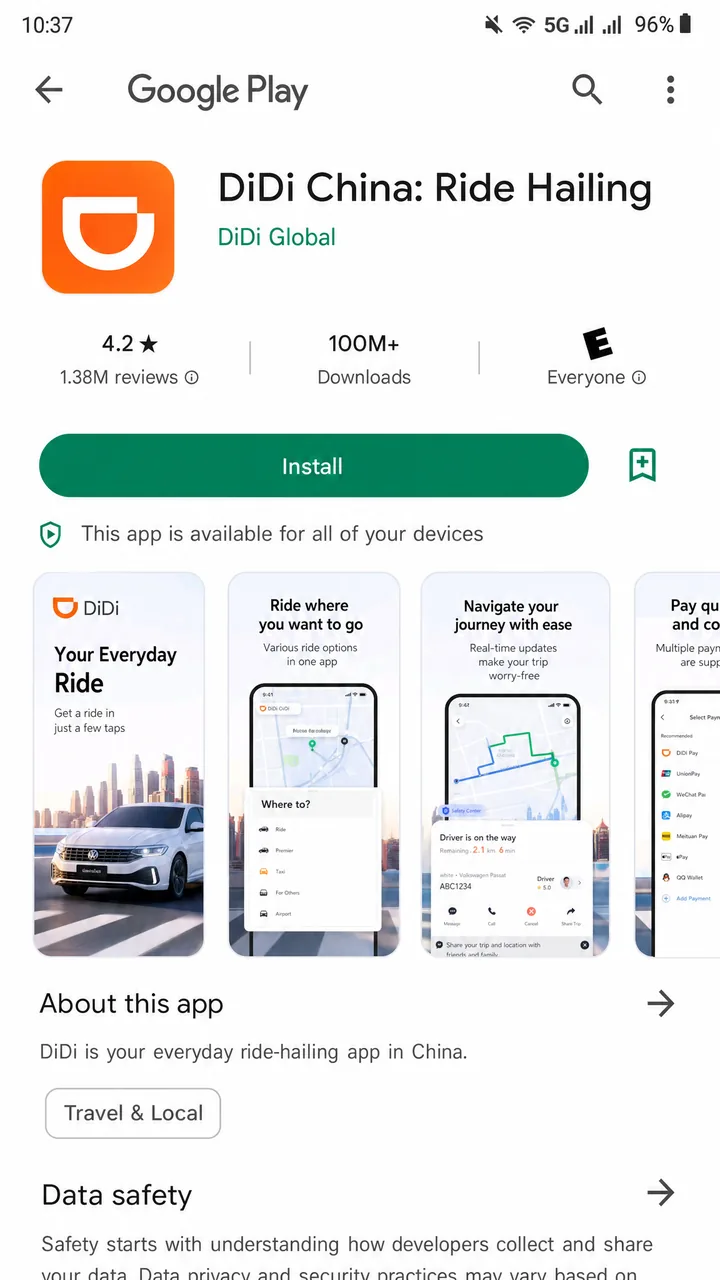
This is where people go wrong. Search the app store and you'll find more than one DiDi product. For travel inside mainland China, you want "DiDi China: Ride Hailing", published by DiDi. Do not install "DiDi Rider" (also called 滴滴国际版 / DiDi International) — that version is built for overseas markets like Japan, Australia, New Zealand, Mexico and others, and it won't help you hail a car in Beijing or Chengdu.
You can verify the correct listing on the Apple App Store or Google Play.
Step 2: Register with your phone number
You don't need a Chinese SIM card or a Chinese phone number to use DiDi. The app supports login with global mobile numbers — you register with your own international number and confirm it via an SMS verification code. The catch is that you must actually be able to receive that SMS, so make sure roaming is enabled on your phone, or register before you travel while you're still on your home network.
Once you're in, switch the interface to English if it didn't default there already.
How to switch DiDi to English
According to the official Shanghai Municipal Government guide, the path is:
- Tap 我的 (Me) at the bottom right
- Go to 设置 (Settings)
- Open 通用 (General)
- Tap Language 语言
- Select English and confirm
From then on, menus, ride tiers, and fare details all appear in English.
Step 3: Set up payment
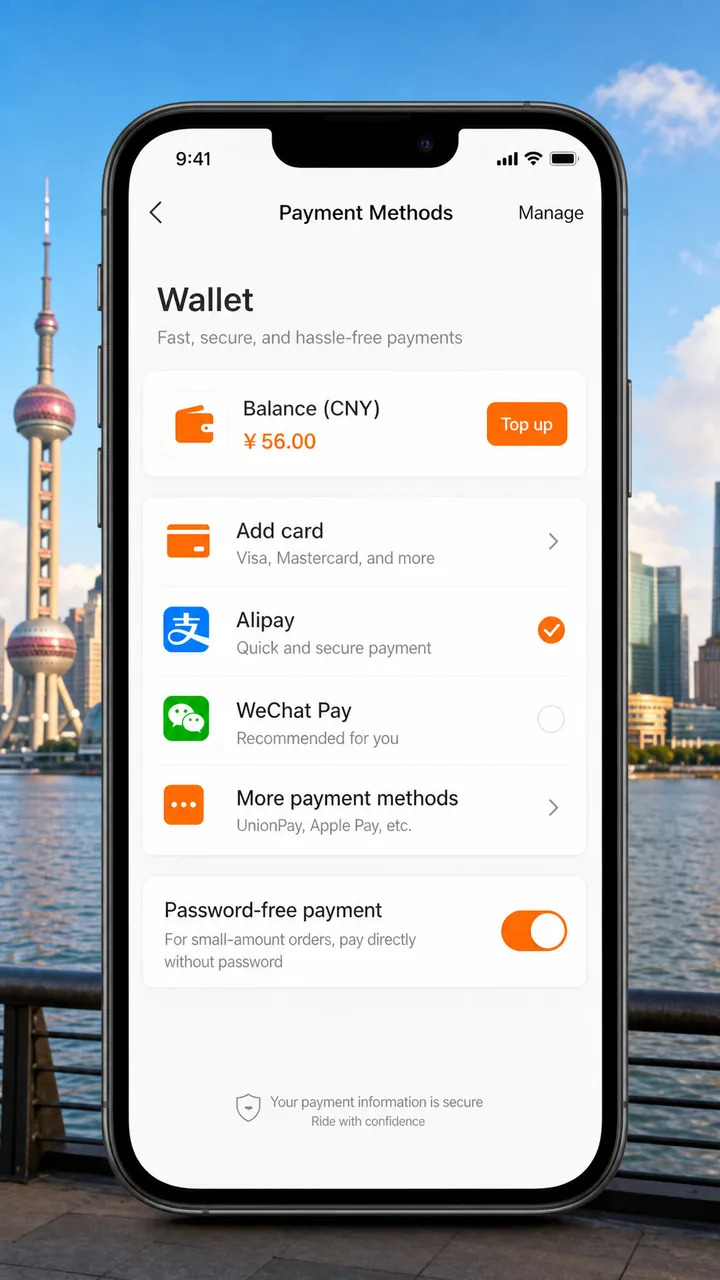
DiDi accepts a range of payment methods, including international bank cards. Third-party guides report that Visa, Mastercard, JCB and Diners Club credit/debit cards work, alongside Alipay, WeChat Pay and Apple Pay. In practice, foreign-card acceptance can be hit or miss — some travelers see their cards declined or flagged with "restrictions," so it's worth testing your card in the app before you're standing on a curb relying on it.
To add a card in the standalone app:
- Go to Account / Me → Wallet → Payment Methods
- Tap Add card and enter your card details
- Enable password-free auto-deduct if you want DiDi to charge automatically when the trip ends
When you add a card, DiDi may place a small temporary verification authorization (around US$1) that is refunded. Password-free auto-payment is capped at 500 RMB per transaction, which is far above any normal city ride, so it rarely matters in practice.
The easier route for many tourists: use DiDi inside Alipay
If you'd rather skip a separate app and a separate card setup, you can call a DiDi car from inside Alipay (支付宝, Zhīfùbǎo). Open Alipay, tap Transport (the car icon), choose Taxi, and DiDi appears as an option. Payment runs automatically through your Alipay balance or linked card with no extra setup — and because Alipay already handles the foreign-card link, this is often the smoothest path for visitors. It also doesn't require a Chinese phone number.
DiDi is similarly available as a mini-program inside WeChat. Note that you'll need to search the Chinese name 滴滴出行 — typing "didi" in Latin letters often won't surface it. Whether the WeChat route reliably accepts foreign cards is less well documented, so the Alipay path is the safer bet if you're paying with an overseas card.
Step 4: Book your first ride
Booking works much like any ride app:
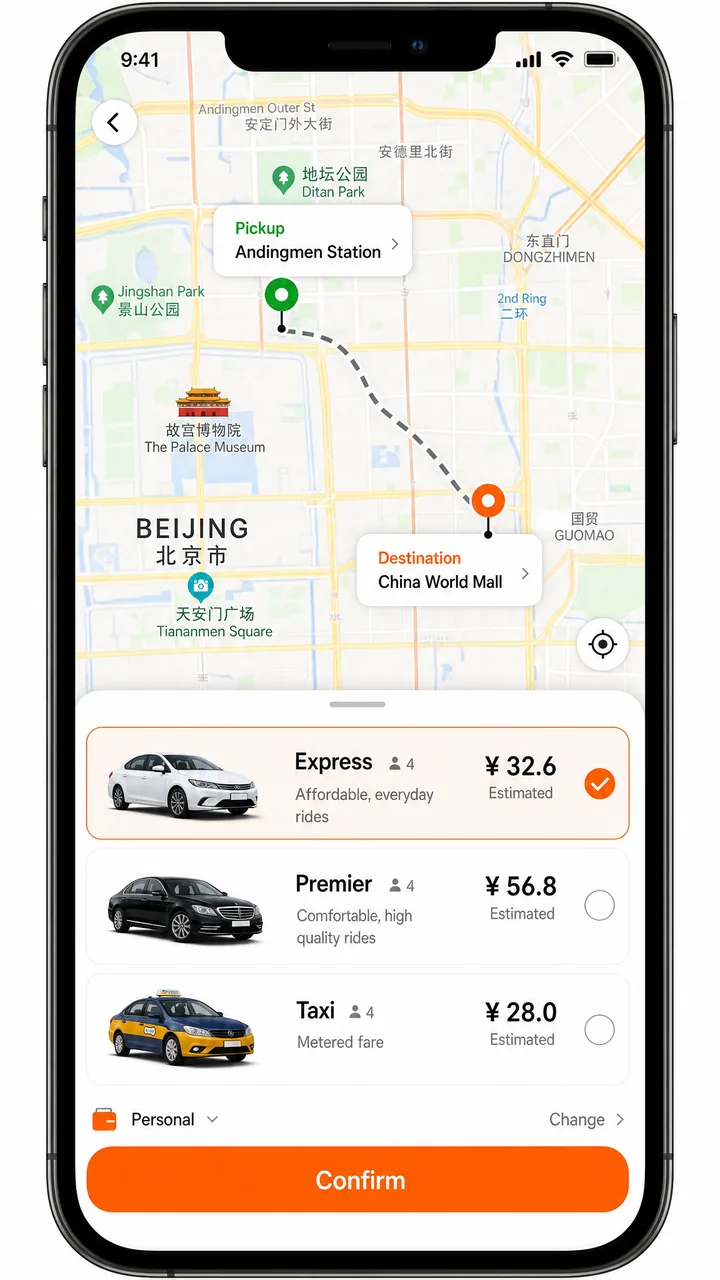
- Set your pickup point and destination on the map (you can search in English or pick a pin)
- Choose a ride tier (see the table below)
- Review the price — DiDi shows the fare before you confirm
- Confirm and wait for a driver to accept
Fares are shown as either upfront (a fixed price you agree to before the trip) or EST (an estimate, with the final amount calculated after the trip). Either way, you see a number before committing — which is exactly the transparency that street taxis don't give you.
Understanding the ride tiers
| Tier | Chinese | What it is |
|---|---|---|
| Express / Economy | 快车 (kuàichē) | The cheapest everyday option; standard private cars |
| Premier / Comfort | 专车 (zhuānchē) | Higher-end cars, more space, better-rated drivers |
| Luxe / Premium | 豪华车 (háohuáchē) | Top-tier vehicles; most expensive |
| Taxi | 出租车 (chūzūchē) | Hails a metered city taxi; usually the only tier that takes cash |
| Carpool / Pool | 拼车 (pīnchē) | Shared ride, cheapest per seat, with detours for other passengers |
For most visitors, Express is the default choice. Premier is worth it for airport runs with luggage or when you want a guaranteed comfortable car.
What a ride costs
DiDi is generally cheaper than street taxis, but there's no single official tariff — pricing varies by city, time of day, and tier, and the app's in-app pricing is the only authoritative source. As a rough, indicative guide only: base fares often run around ¥10–15, with roughly ¥2–4 per kilometer. An 8 km, 20-minute ride in Beijing might land around ¥30–40 on Express, ¥50–70 on Premier, and ¥100+ on Luxe. Expect surge pricing during morning (roughly 7–9 AM) and evening (roughly 5–7 PM) rush hours. Treat all of these as ballpark figures and trust the price the app shows you.
Step 5: Meeting your driver and the language gap
Most DiDi drivers don't speak English. DiDi handles this in two ways. First, the in-app chat has real-time English–Chinese translation, so you can message your driver — "I'm at the south gate, wearing a red jacket" — and they'll read it in Chinese. Second, on pickup the driver confirms they've got the right passenger by entering the last four digits of your booking phone number.

Safety features worth knowing about
DiDi has built out a solid set of safety tools, partly in response to past incidents in China. Inside the app you'll find:
- One-tap emergency alarm that connects directly to 110 (China's police number)
- Trip sharing with live GPS, so a friend can follow your route in real time
- Emergency contacts you can set in advance
- Masked phone numbers, so your real number isn't exposed to the driver
- In-car audio recording and full-trip monitoring
For reference, China's emergency numbers are 110 for police, 119 for fire, and 120 for ambulance — confirmed on the U.S. State Department's China travel page. DiDi also runs 24/7 in-app online customer service in English, reachable via Account → Help.
Staying connected so the app actually works
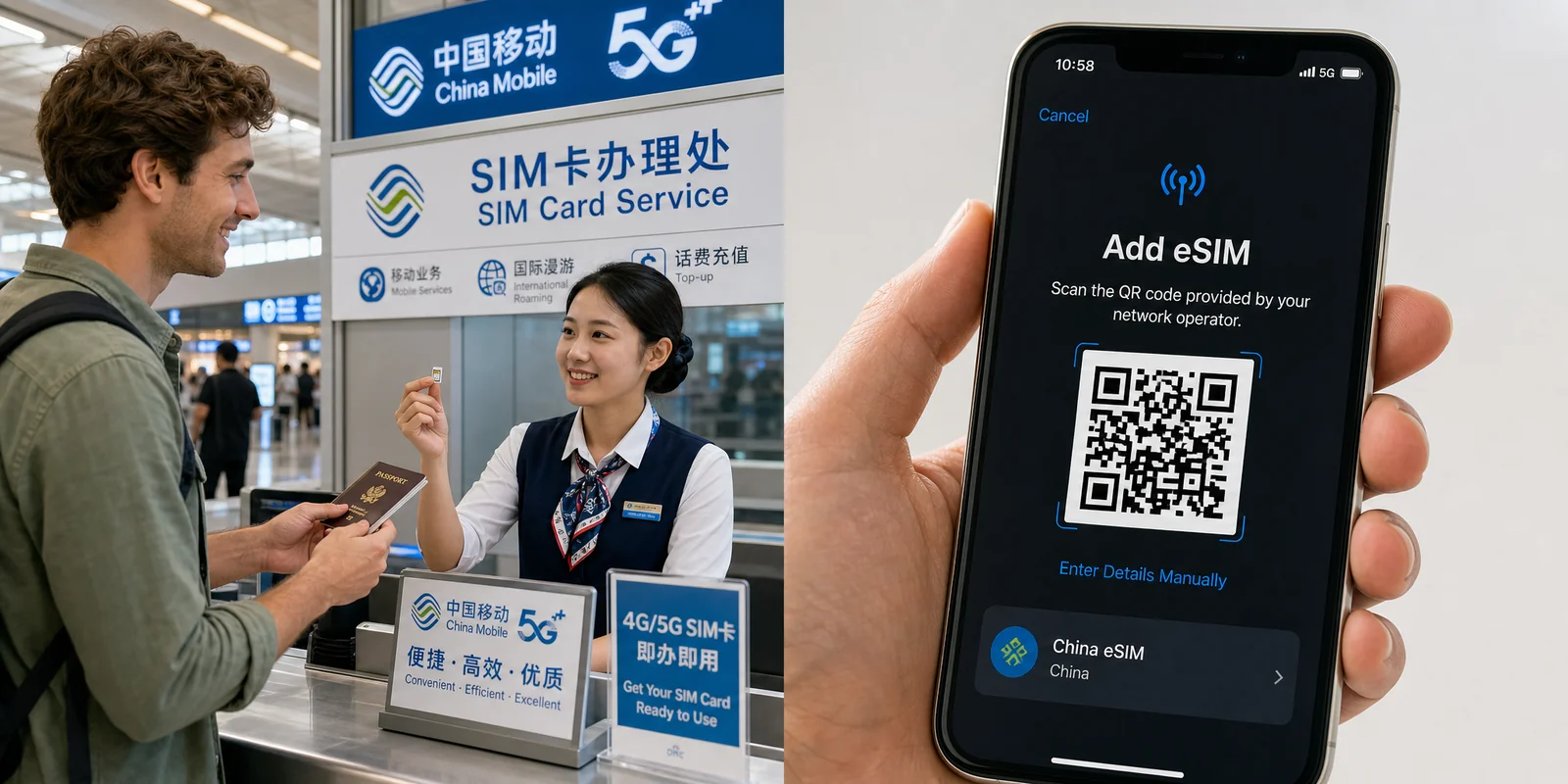
DiDi needs data the moment you land — to register, book, and message your driver. If you're relying on roaming only for the initial SMS code, plan a proper data solution for the trip. A travel eSIM like Airalo lets you have China data active before you arrive, so DiDi (and your maps app) work from the airport curb. Just remember that some apps and services in China sit behind the Great Firewall — see our Internet & VPN guide for the full picture, and check our SIM card & eSIM guide to compare options.
A note on UnionPay discounts
If you hold an overseas-issued UnionPay card, there have been promotional campaigns offering instant-discount chances when you complete a DiDi in-app payment with that card. These promos come with conditions — limited validity windows, caps on total uses, and requirements that your trip start and end in mainland China — so check the current terms on the UnionPay International site before counting on a discount.
Common questions
Do I need a Chinese phone number?
No. You can register the standalone app with an international number (you just need to receive the SMS code), and the Alipay route doesn't require a Chinese number at all.
Can I pay cash?
Generally only on the Taxi tier (出租车). Express, Premier and Luxe rides are paid through the app.
My foreign card was declined — now what?
This is the single most common DiDi headache for visitors. Switch to the Alipay route, which handles foreign cards more reliably, or set up WeChat Pay as a backup before your trip.
Is DiDi safe for solo travelers?
Yes, and the trip-sharing and emergency features make it a sensible choice — often safer than an unmetered street cab. See our female solo travel guide for more on getting around confidently.
The bottom line
DiDi is the most practical way to get around Chinese cities without speaking Chinese or arguing over fares. Install "DiDi China: Ride Hailing" (not the international version), switch it to English, and sort out payment before you depend on it — ideally testing a card early or using the Alipay route, which is the smoothest for most visitors. Save your booking number's last four digits to show drivers, lean on the in-app translation chat, and you'll be moving around the city as easily as a local resident. Set it up before you fly, and your first airport-to-hotel ride becomes a non-event.
Payment acceptance, fares, and promotional terms change often — verify current details in the app before you travel.
Last updated: June 2026
Read in other languages
Last train times for 10 Chinese metro systems
Every line and station, checked by hand — the same data behind our offline route planner.
Get the WaysChina App
Offline guides, currency converter, essential phrases, and more — all in your pocket.

Related Articles
China SIM Card & eSIM Guide
How to stay connected in China as a tourist: physical SIM vs travel eSIM, where to buy at the airport or online,...

Internet & VPN Guide for China
Google, Instagram, WhatsApp and many sites you use daily don't work in mainland China. Here's how to stay connected...

Map Apps Guide: Which Navigation App Actually Works in China
Google Maps doesn't work properly in China, but you have good options. A practical comparison of Amap, Baidu Maps,...
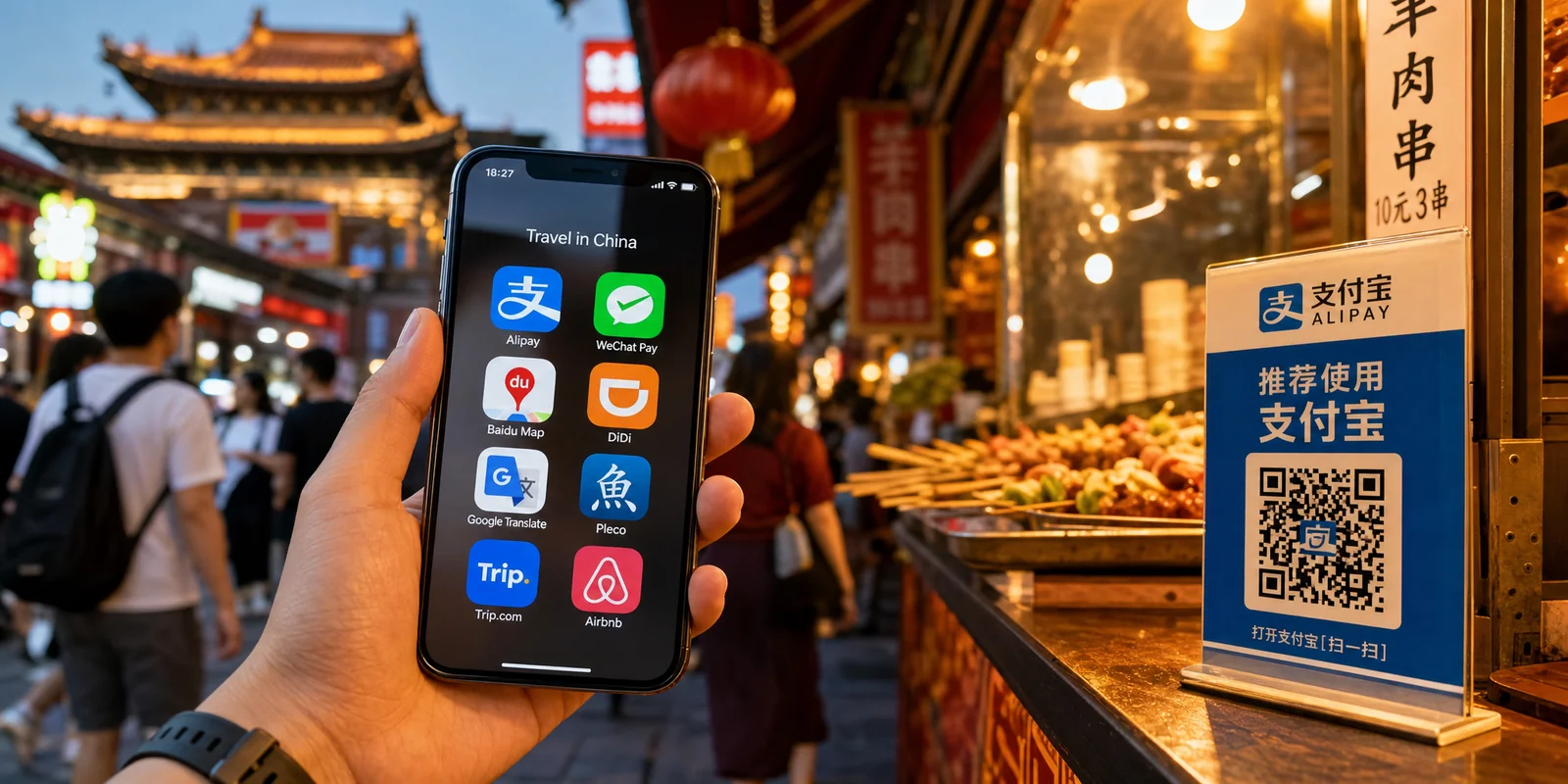
Must-Have Apps Before You Go: A China Travel App Guide
The apps you actually need for a China trip — payments, maps, translation, transport, and connectivity — with setup...