
This article contains affiliate links. If you make a purchase through these links, we may earn a small commission at no extra cost to you. This helps support our work in creating free travel guides.
Here's the short version: Google Maps shows your location in the wrong place in mainland China, so you can't rely on it for navigation. The good news is that the local apps are excellent — and as of early 2025, both Amap and Baidu have launched English-language versions aimed specifically at foreign visitors. For most travelers, the best China map app is either Amap (高德地图, Gāodé Dìtú) or Apple Maps if you're on an iPhone. This guide explains why Google Maps fails, walks through each working option, and helps you decide what to install before you arrive.

Why Google Maps Doesn't Work in China
Two separate problems stack on top of each other, and understanding both helps you avoid a frustrating first day.
The first problem is blocking. Google's servers are blocked in mainland China. Even with a VPN, the map data Google shows for China is outdated and unreliable for turn-by-turn directions.
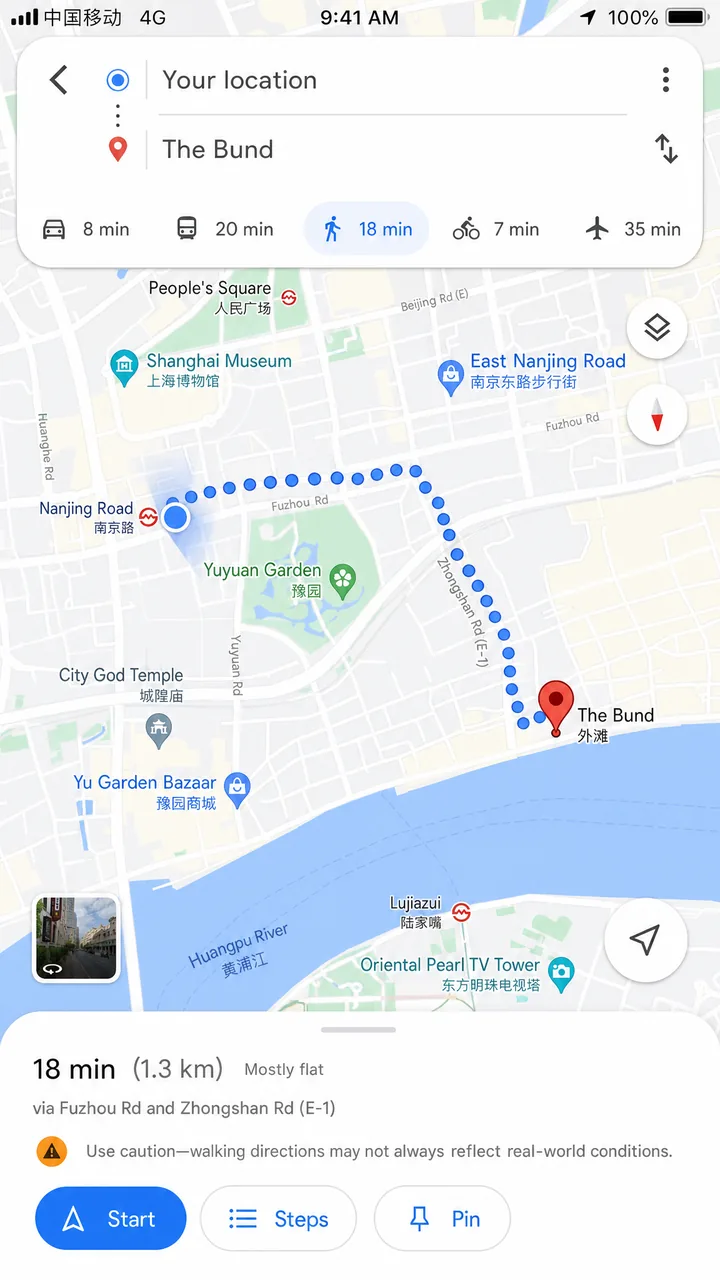
The second problem is coordinates — and this one is sneakier. China legally requires all map services to use a scrambled coordinate system called GCJ-02 (informally nicknamed "Mars Coordinates"), which is deliberately offset from the global WGS-84 system your phone's GPS uses. The offset isn't a fixed amount — it shifts non-linearly depending on where you are, typically somewhere between 50 and 500 meters. Apps that aren't licensed to apply the correction will show your blue dot in the wrong place: across the street, in the middle of a river, or a block away from where you actually stand.
According to technical breakdowns of the issue, Baidu Maps goes one step further and adds its own extra offset on top of GCJ-02, using a system called BD-09. The practical takeaway: don't try to make foreign apps "work" in China through clever tricks. Use an app that's built for the Chinese coordinate system from the start.
The Three Apps Worth Knowing
For a foreign traveler, the realistic shortlist comes down to three: Amap, Baidu Maps, and Apple Maps. Tencent Maps and Petal Maps (Huawei) exist too, but they're secondary choices. Here's how the main three compare.
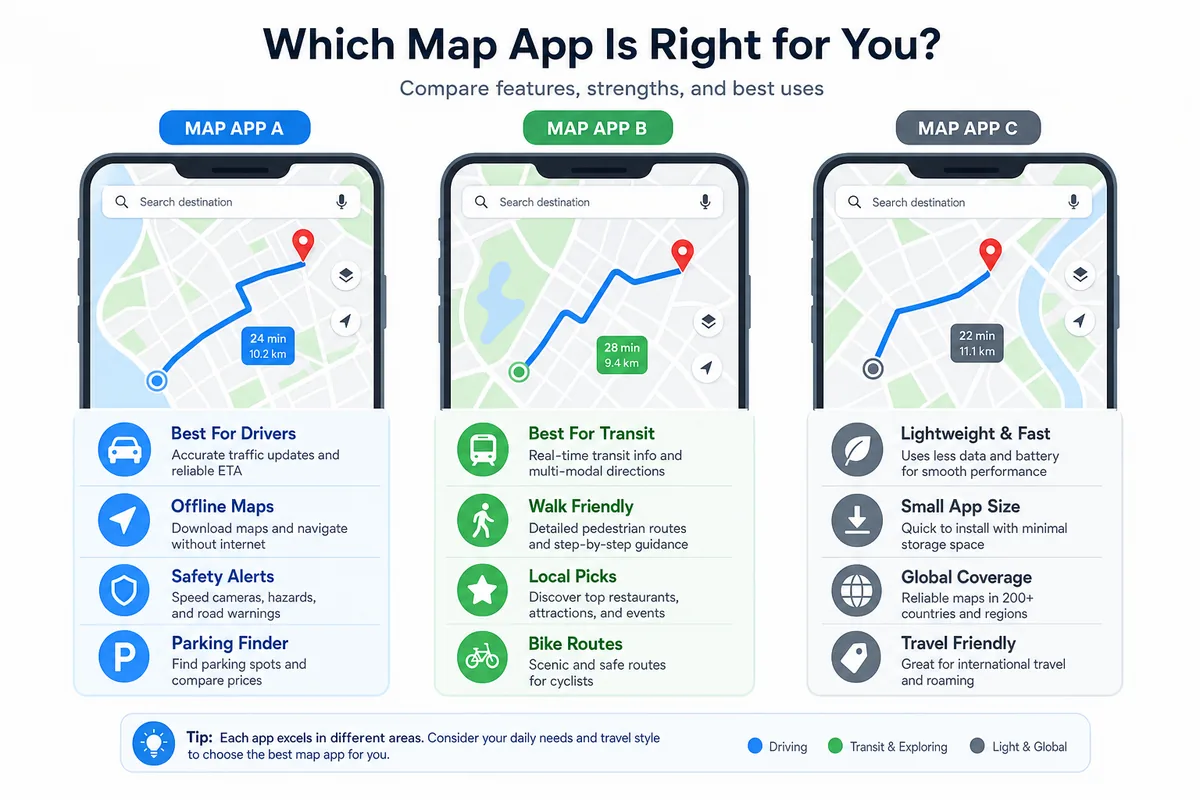
| Feature | Amap (Gaode) | Baidu Maps | Apple Maps |
|---|---|---|---|
| English interface | Yes (AMap Global app / new English version) | Partial — English "Beijing Map" launched; main app inconsistent | Yes, full English |
| Works without VPN | Yes | Yes | Yes |
| Accurate GPS positioning | Yes | Yes | Yes (uses Amap data) |
| Public transit / metro | Excellent | Excellent | Limited detail |
| Live traffic | Yes | Yes | No |
| Ride-hailing & taxi integration | Yes | Yes | No |
| Offline maps | Yes | Yes | Yes |
| Best for | Most travelers, especially Android | Power users who read some Chinese | iPhone users wanting zero setup |
Amap (Gaode): The Default Choice
Amap is China's most-used navigation app by a wide margin — as of late 2024 it reported over a billion monthly active users, well ahead of Baidu Maps. It covers walking, driving, metro, bus, ride-hailing, and even shows live traffic with lane-level guidance and traffic-light countdowns.
For years the main obstacle for foreigners was language. That changed in January 2025, when Amap launched what it described as China's first English-language map aimed at overseas users. According to the official Shanghai travel authority, the English version offers a fully English interface, lane-level navigation, traffic-light countdowns, and English names for attractions, restaurants, and hotels.
There are effectively two ways to get Amap in English:
- AMap Global — a separate app by developer AutoNavi, available free on the App Store and Google Play. It supports English plus Simplified and Traditional Chinese and covers 200+ countries and regions.
- The English version of the main Amap app — rolled out in early 2025 and downloadable abroad through the App Store and Google Play.
One thing worth knowing even before the English versions existed: the Shanghai government noted that you could already type English addresses into the main Amap app — for example "Hongqiao Airport" — and get accurate, real-time positioning results. So even if you land on a Chinese-interface version, English search often still works.
Apple Maps: The Easiest Option for iPhone Users
If you have an iPhone, Apple Maps may be the simplest answer of all — and many travelers don't realize it works fine in China. Since iOS 6, Apple has sourced its mainland China and Taiwan map data from AutoNavi, the same company behind Amap. That means Apple Maps uses the correct Chinese coordinate system, positions you accurately, and requires no VPN.
It already has a full English interface, it's pre-installed, and there's nothing to set up. In big cities it's reliable for main roads, landmarks, and walking directions. The trade-offs: Apple Maps in China lacks live traffic, has thinner public-transit detail, and won't show things like specific metro exit numbers — exactly the kind of granular local detail that Amap and Baidu handle well.
In practice, a lot of travelers use Apple Maps for quick lookups and walking, then switch to Amap when they need transit routing or a taxi.
Baidu Maps: Powerful, but Built for Chinese Readers
Baidu Maps is the second-largest navigation app in China and has extremely detailed local data — indoor maps of malls, bus arrival times, the works. In January 2025, Baidu's cloud division launched an English-language "Beijing Map." According to the Beijing Municipal Government, Baidu built more than 1.5 million precise points of interest for Beijing, spanning 19 major categories and over 100 subcategories.
The honest assessment for most foreign travelers: Baidu is fantastic if you read some Chinese, but its English support is less consistent than Amap's, and reports differ on the current state of language options inside the main app. Unless you specifically need Baidu's depth in a city it covers in English, Amap or Apple Maps will usually be the smoother experience. If you do want to try Baidu's English map, test it before you travel to confirm it's working as you expect.
Android Users: One More Option
If you're on Android and want an English alternative, Petal Maps (developed by Huawei) has an English version and positions accurately in China. The catch is that it doesn't include public-transit information, which is a serious gap in Chinese cities where the metro is often the fastest way around. It works for driving and walking, but overall it's a step behind Apple Maps and Amap. For most Android travelers, the English version of Amap (or AMap Global) is the better primary choice.
Always Download Offline Maps
Even with a working SIM or eSIM, download offline maps before you need them. Connectivity can drop in subway tunnels, inside large buildings, or in rural areas, and an offline map keeps you oriented when data fails.
Apple Maps offline: Open Apple Maps, tap your profile photo in the top-right corner, choose "Offline Maps," search for your city, drag the rectangle to set the area, check the file size (downtown Beijing is roughly 150MB), and download over Wi-Fi. The offline package includes roads, landmarks, and metro stations — but not live traffic or transit updates.
Google Maps offline (for trip planning): Before you leave home, search a city in Google Maps and select "Download offline map." These offline maps remain viewable in China without a VPN and are perfectly legal — just remember they won't include live data or reliable real-time positioning given the coordinate issue. They're useful for pre-trip planning and a rough reference, not for live navigation on the ground.
Amap and Baidu both offer offline city packages within their apps as well, which is worth doing for the cities on your itinerary.
What You Actually Need: Data Connection
Map apps are most useful with a live data connection — for real-time positioning, traffic, transit times, and searching as you go. Make sure you have a working mobile data plan from the moment you land. A travel eSIM is the easiest route for most visitors: providers like Airalo let you buy and install a China data plan before departure, so your maps work the instant you switch on your phone at the airport. For a full breakdown of options, see our China SIM Card & eSIM Guide.
If you also need to navigate the metro and plan multi-city sightseeing, the WaysChina app offers offline metro maps and a built-in trip planner for major Chinese cities — handy as a planning companion alongside your main navigation app.
Frequently Asked Questions
Do I need a VPN to use maps in China?
No. Amap, Baidu Maps, and Apple Maps all work without a VPN. You only need a VPN if you specifically want to access Google Maps, and even then it won't navigate reliably on the ground.
Which is the best maps app for China overall?
For most travelers, Amap (in its English version or AMap Global) is the best all-rounder thanks to its accuracy, transit coverage, and live traffic. iPhone users who want zero setup can lean on Apple Maps for everyday use.
Will Google Maps work at all?
In mainland China, treat it as planning-only — fine for downloading offline maps before your trip, unreliable for live navigation. It works normally in Hong Kong, Macau, and Taiwan.
Can I search in English?
Yes. The new English versions of Amap and Apple Maps both support full English. Even older Chinese-interface versions of Amap often accept English address searches like "Hongqiao Airport."
Are these apps free?
Yes, all the navigation apps are free to download and use. Whether features like in-app ride-hailing require a Chinese payment account or local phone number can vary, so check when you set up.
The Bottom Line
Skip Google Maps for navigating mainland China — it's blocked and shows your location in the wrong place. Install Amap (the English version or AMap Global) as your primary app; it's accurate, covers transit and traffic, and now speaks English. If you have an iPhone, Apple Maps works out of the box with no setup and is great for walking and quick lookups. Download offline maps for your cities before you arrive, and make sure you have a data plan ready the moment you land. Do those few things on home Wi-Fi before your flight, and getting around China becomes one of the easiest parts of your trip.
Related Reading
- China SIM Card & eSIM Guide — get your data connection sorted before you land
- Internet & VPN Guide — what's blocked and how to stay connected
- Must-Have Apps Before You Go — the full app checklist for China travel
- Metro Systems Guide — how to ride the subway in major Chinese cities
- Taxis & Ride-Hailing in China — using Didi and taxis with your map app
Last updated: June 2026
Read in other languages
Last train times for 10 Chinese metro systems
Every line and station, checked by hand — the same data behind our offline route planner.
Get the WaysChina App
Offline guides, currency converter, essential phrases, and more — all in your pocket.

Related Articles
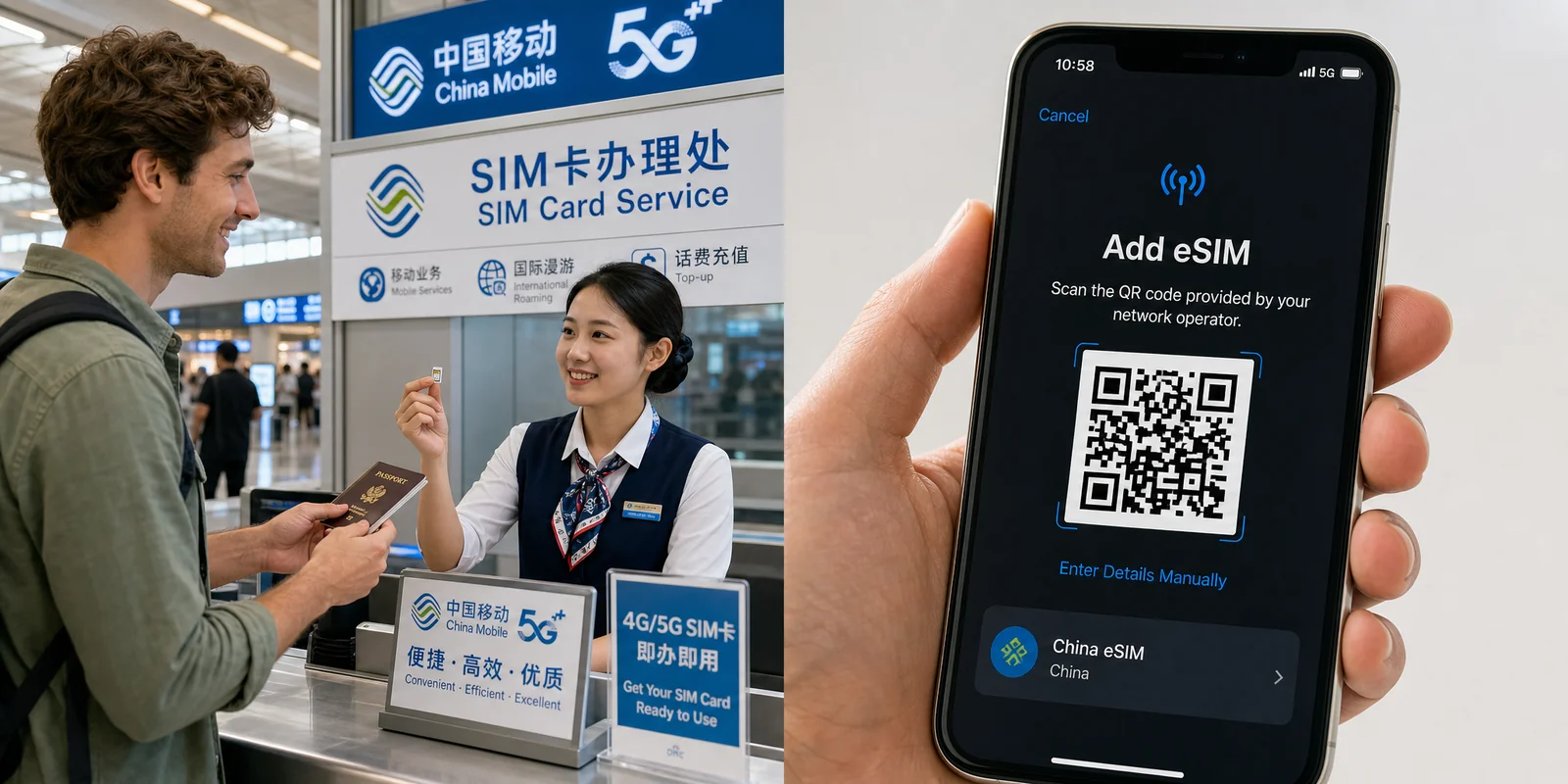
China SIM Card & eSIM Guide
How to stay connected in China as a tourist: physical SIM vs travel eSIM, where to buy at the airport or online,...

DiDi Guide: How to Use China's Ride-Hailing App as a Foreigner
DiDi is China's main ride-hailing app, and it works in English with foreign cards. Here's how to download the right...

Internet & VPN Guide for China
Google, Instagram, WhatsApp and many sites you use daily don't work in mainland China. Here's how to stay connected...

Must-Have Apps Before You Go: A China Travel App Guide
The apps you actually need for a China trip — payments, maps, translation, transport, and connectivity — with setup...